
Affordable laptops for study: what your money actually buys
The cheapest laptop isn't always the best value. What configuration you get at each price point for study, and where it's worth stopping.
"Cheapest" and "best value" are two different things. When choosing a laptop for study, a difference of a few tens of dollars can change the configuration entirely. Here's what current prices actually get you.
The cheapest option: watch out for the 4GB trap
The cheapest models in the catalogue typically come with 4GB of RAM. That's tight even for study today: open 10–15 browser tabs alongside Word and an online class, and the system starts to lag. On many budget models the memory can't be upgraded later either.
So the recommendation is simple: if you can, don't buy the absolute cheapest — buy a model starting at 8GB. It's usually only $40–50 more, but you feel that difference for the whole life of the machine.
The sweet spot: 8GB + 512GB SSD
The most sensible configuration for study is 8GB RAM and a 512GB SSD with a mid-tier processor (Ryzen 5, Core i5 or Core 5 class). That's entirely enough for documents, presentations, online classes and working with many tabs open.
The choice here is wide — HP, Dell, ASUS, MSI and Lenovo models, with screens from 14 to 16 inches.
A little above: 16GB
If the budget can stretch slightly, models with 16GB of memory appear around the same range. For students studying programming or working with heavier software, that's the most valuable upgrade available — it makes more difference than a faster processor.
Look at refurbished (C-REF) too
For the same budget you can often find a noticeably stronger configuration among refurbished models. C-REF means restored at the factory with an official warranty — it does not mean second-hand. Frequently you get a better processor and more memory than a new machine at the same price.
What you can safely ignore
At this price point, don't go looking for these — they only inflate the budget:
- A dedicated graphics card (not needed for study)
- A 2K or 4K screen (Full HD is enough, and it uses less battery)
- The very latest processor generation (the previous one is barely different in practice)
If the budget doesn't stretch
There are instalments: through Alif Nasiya with no down payment, up to 24 months. So instead of settling for the cheapest 4GB model, you can take the configuration you actually need and split it into small monthly payments.
Every laptop comes with an official warranty: 2 years on new, 1 year on refurbished and used. Delivery within 4 hours in Tashkent, free across all of Uzbekistan.
Affordable study laptops — in stock now
From the live catalogue: available right now, cheapest first.
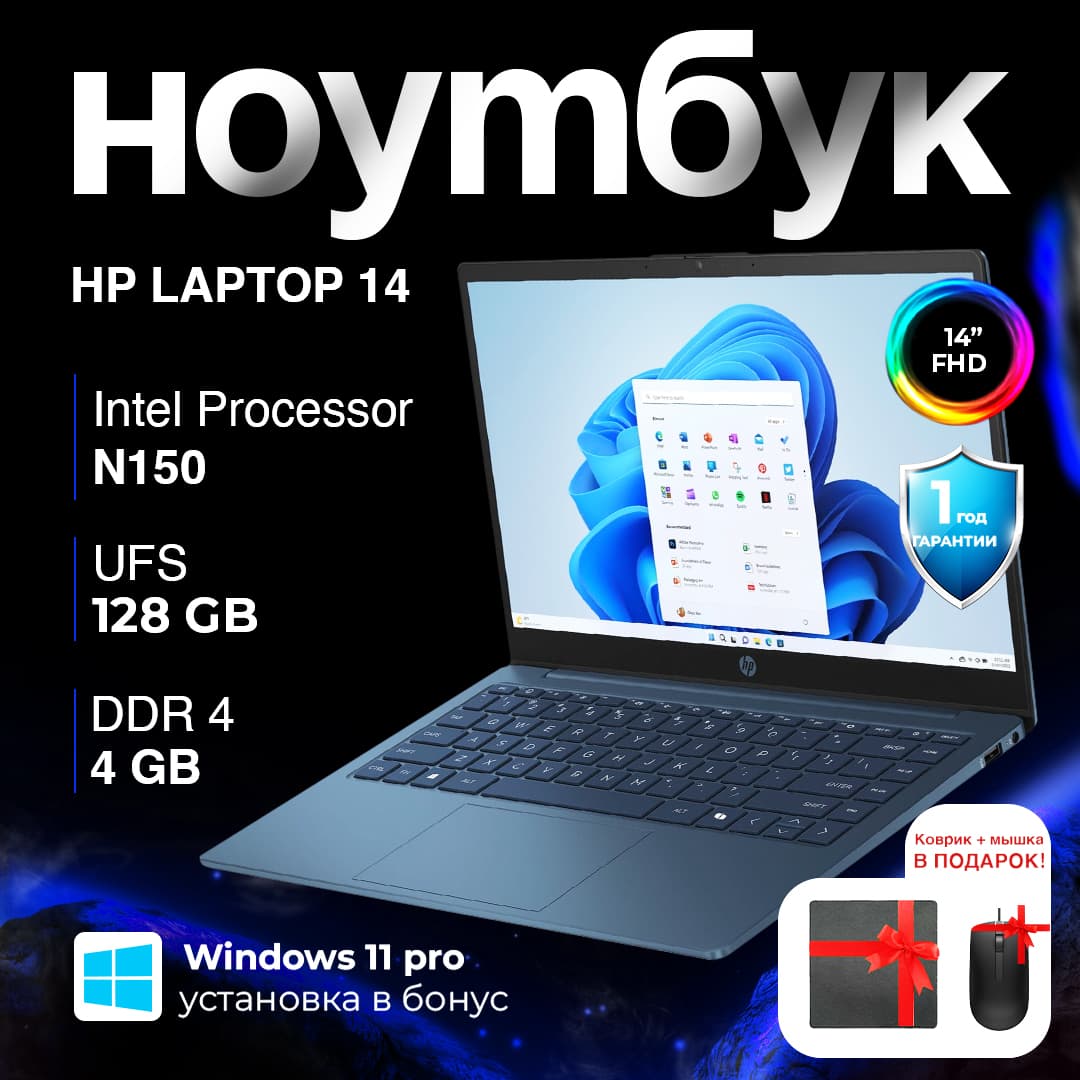
New · Ноутбук HP 14 N150 / 4 ГБ / eMMC 128 ГБ / 14", ABYSS BLUE
14" · N150 · 4 GB · 128 GB
3 589 000 UZS($299)
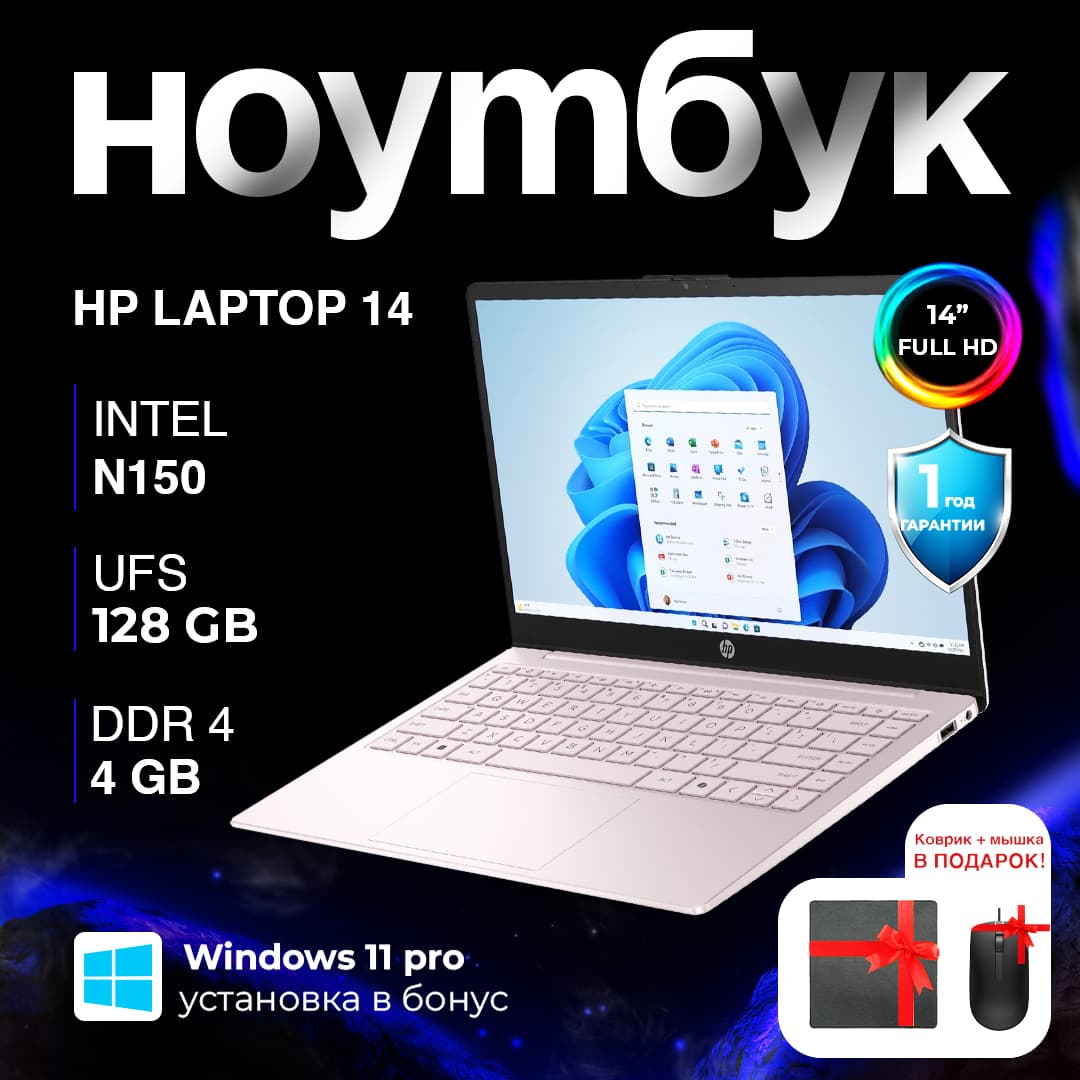
New · HP 14 (ep2011wm) / N150 / 4 ГБ / eMMC 128 ГБ / 14", розовый
14" · Intel N150 · 4 GB · 128 GB
3 589 000 UZS($299)
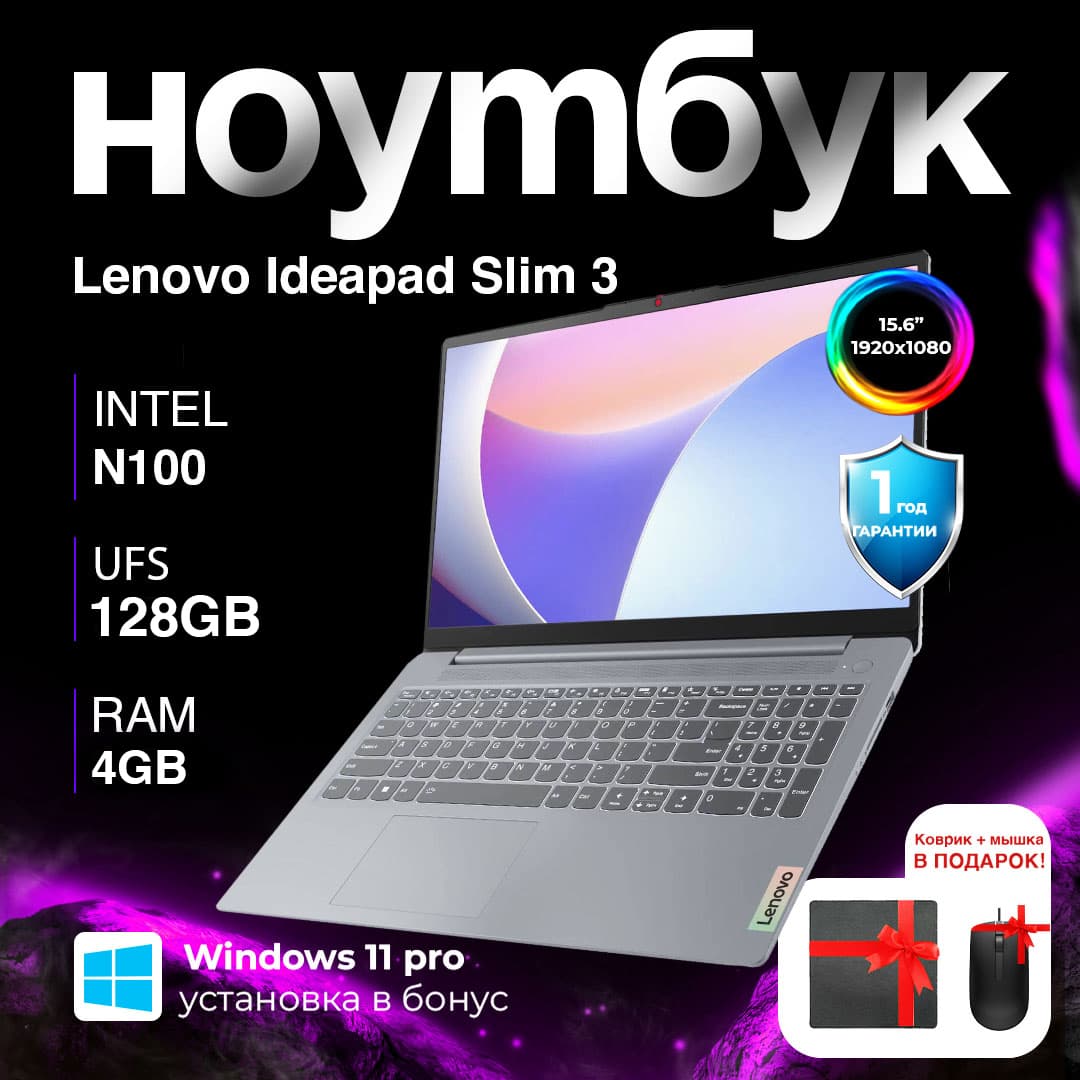
New · Lenovo IdeaPad Slim 3 (15IAN8) / N100 / 4 GB / SDD 128 / 15.6", Arctic Grey
15.6" · Intel N100 · 4 GB · 128 GB
3 709 000 UZS($309)
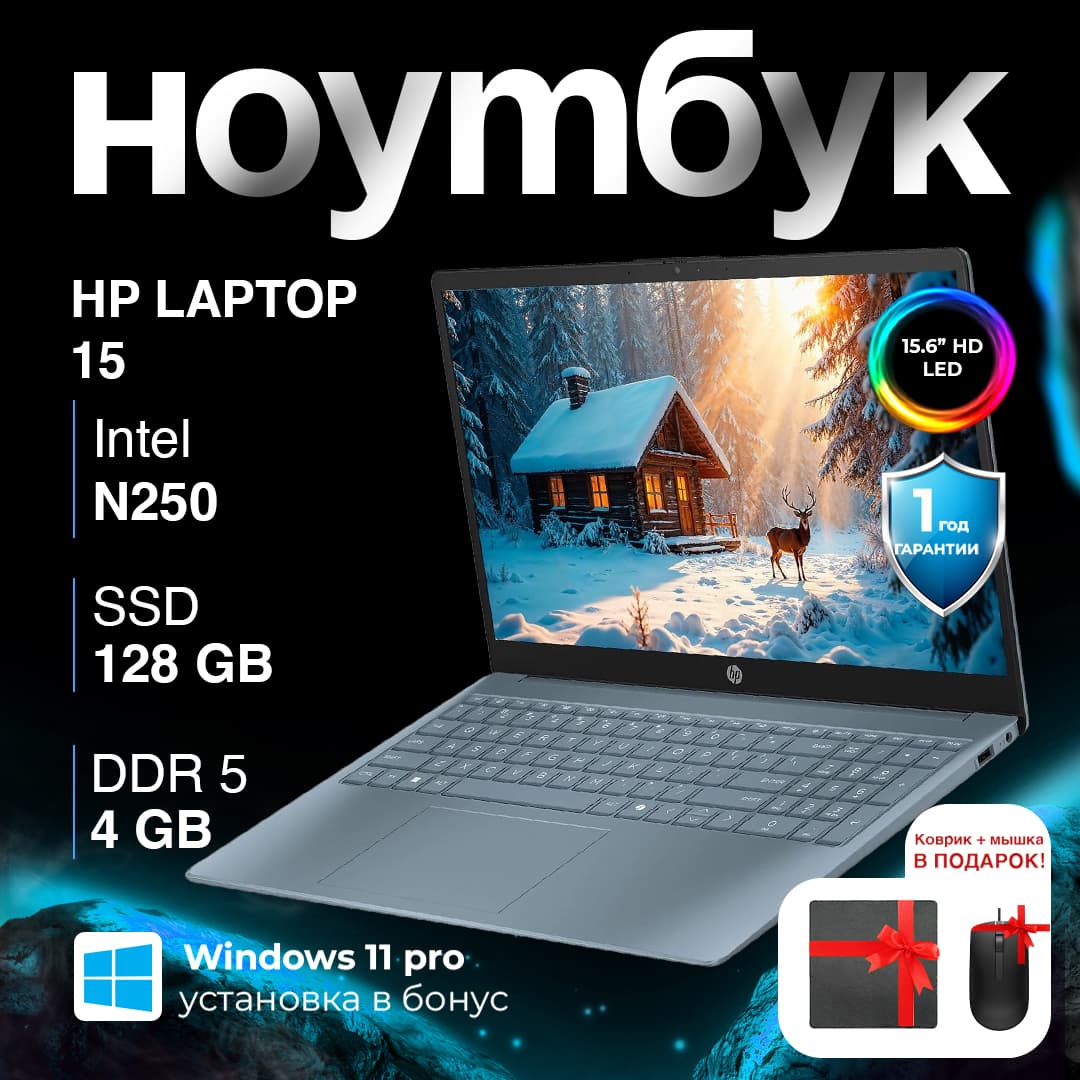
New · Ноутбук HP Laptop 15 N250 / 4 ГБ / SSD 128 ГБ / 15.6", Moon Blue
15.6" · Intel N250 · 4 GB · 128 GB
3 949 000 UZS($329)
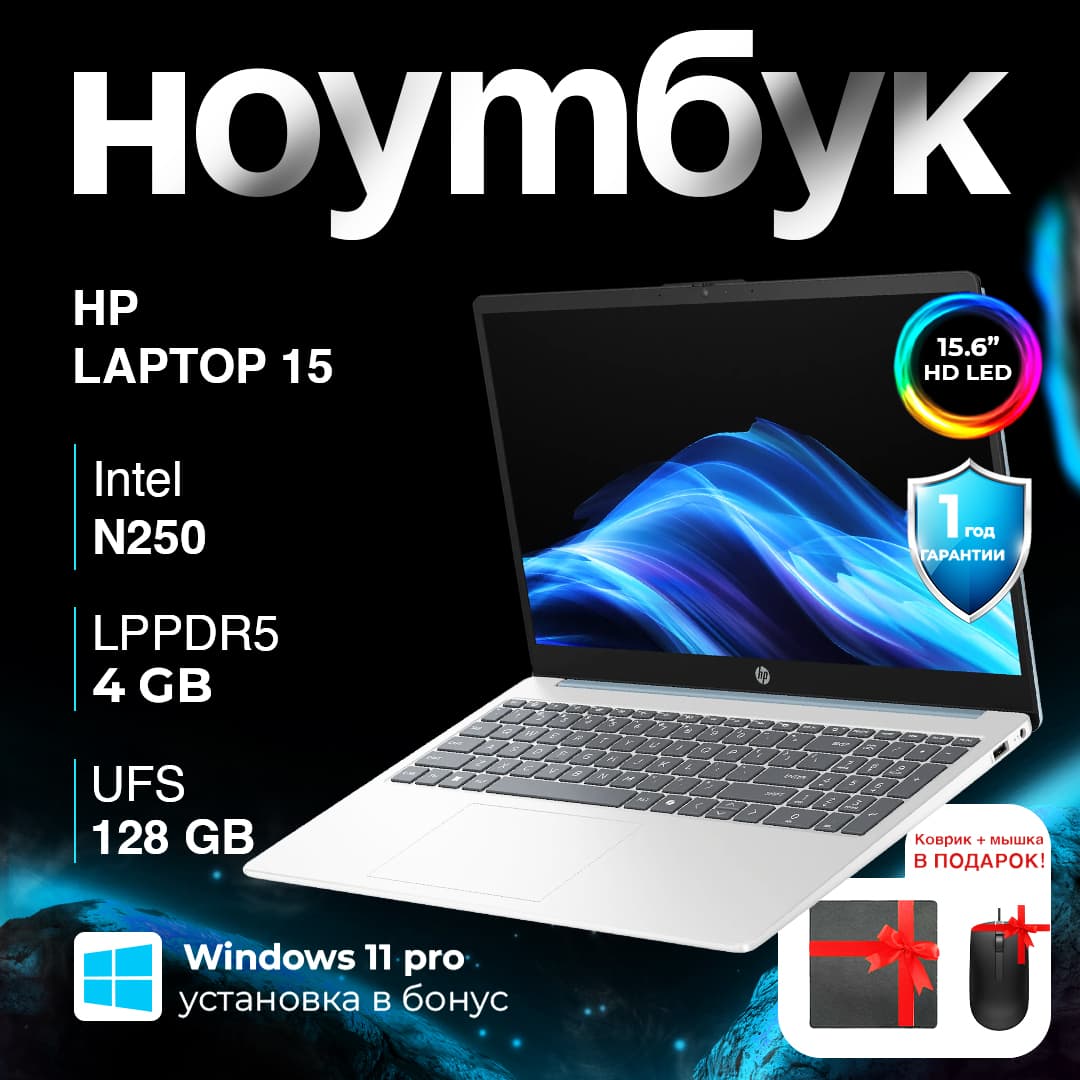
New · Ноутбук HP Laptop 15 15-fd0094wm / N250 / 4 ГБ / SSD 128 ГБ / 15.6", Silver
3 949 000 UZS($329)
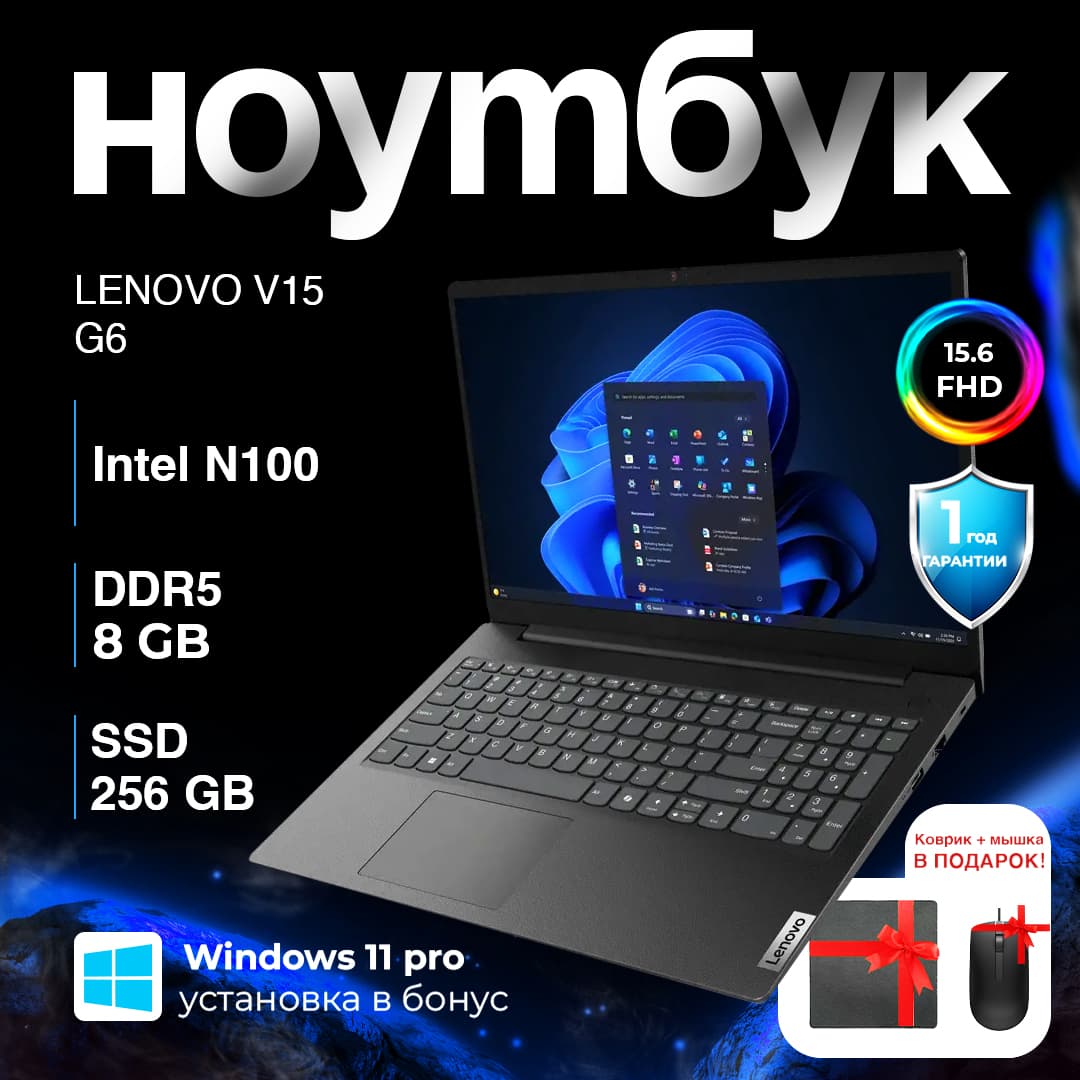
New · Ноутбук Lenovo V15 G6 / N100 / 8 ГБ / SSD 256 ГБ / 15.6", Tough Black
15.6" · Intel N100 · 8 GB · 256 GB
4 189 000 UZS($349)
Need help choosing?
Our managers will match a model to what you actually need.